A new era for Sakari users. More products. More power. More possibility. 

Shared inbox

One Inbox for every conversation

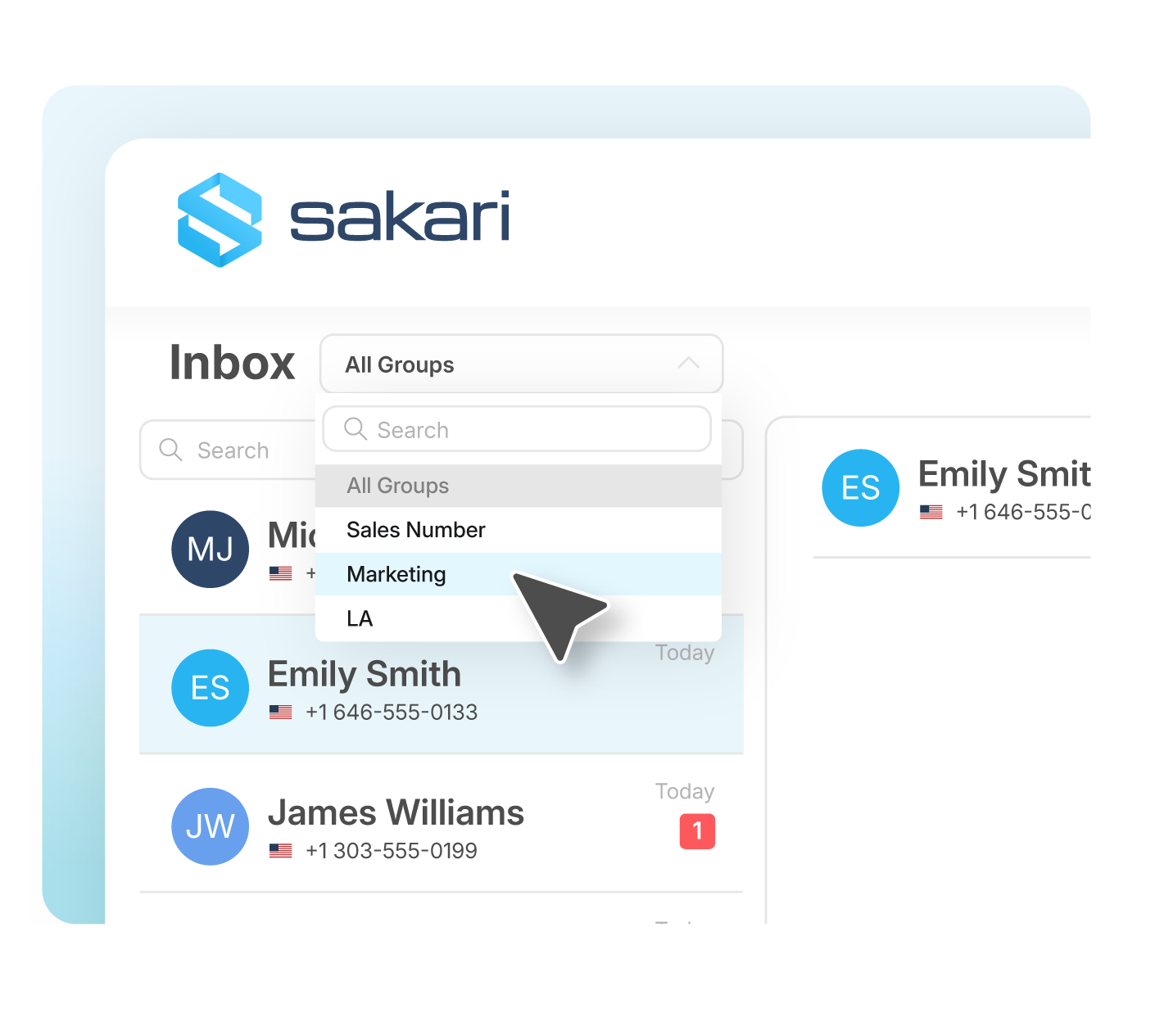
Manage SMS, MMS, and soon WhatsApp conversations together in one omnichannel Inbox. Give your team full visibility and control across channels and respond faster without switching tools or losing context.

Inbox_01 (1)

All your conversations. One shared view.

Sakari’s omnichannel Inbox brings all your business conversations into one place, giving your team full control over every message, channel, and interaction.

OMNICHANNEL INBOX

Improve conversations & conversion

Write, send, and manage messages from a single, streamlined inbox with no need for multiple tools. Built for speed and consistency, your team can respond faster, stay organized, and keep every interaction moving forward.
Start Your Free Trial
Inbox_02

Do more with every conversation

Inbox_05

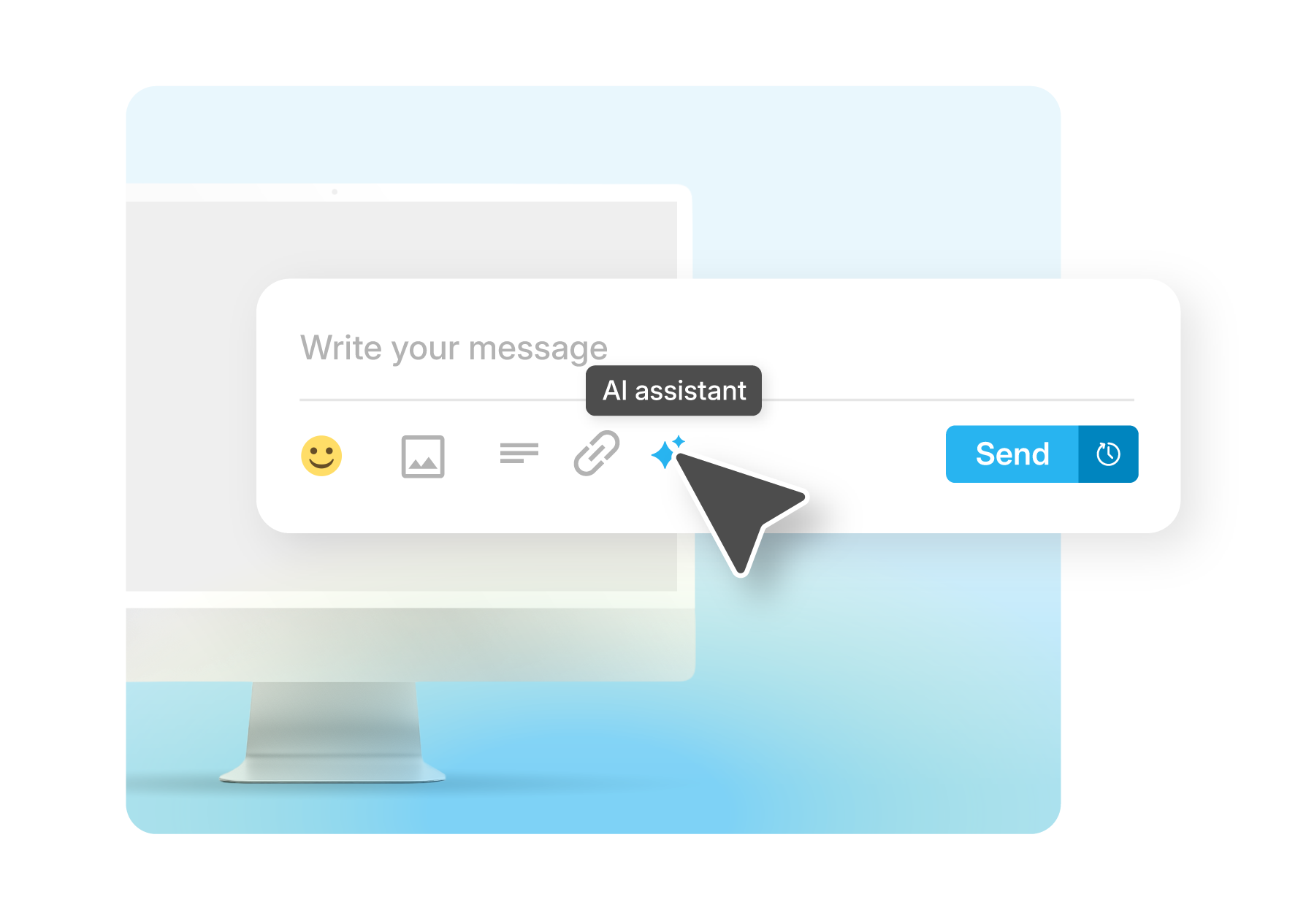
Use built-in AI to draft replies, improve tone, or quickly generate messages based on your intent. Reduce manual effort, respond faster, and keep communication consistent across every conversation.

Learn More
Inbox_04-1

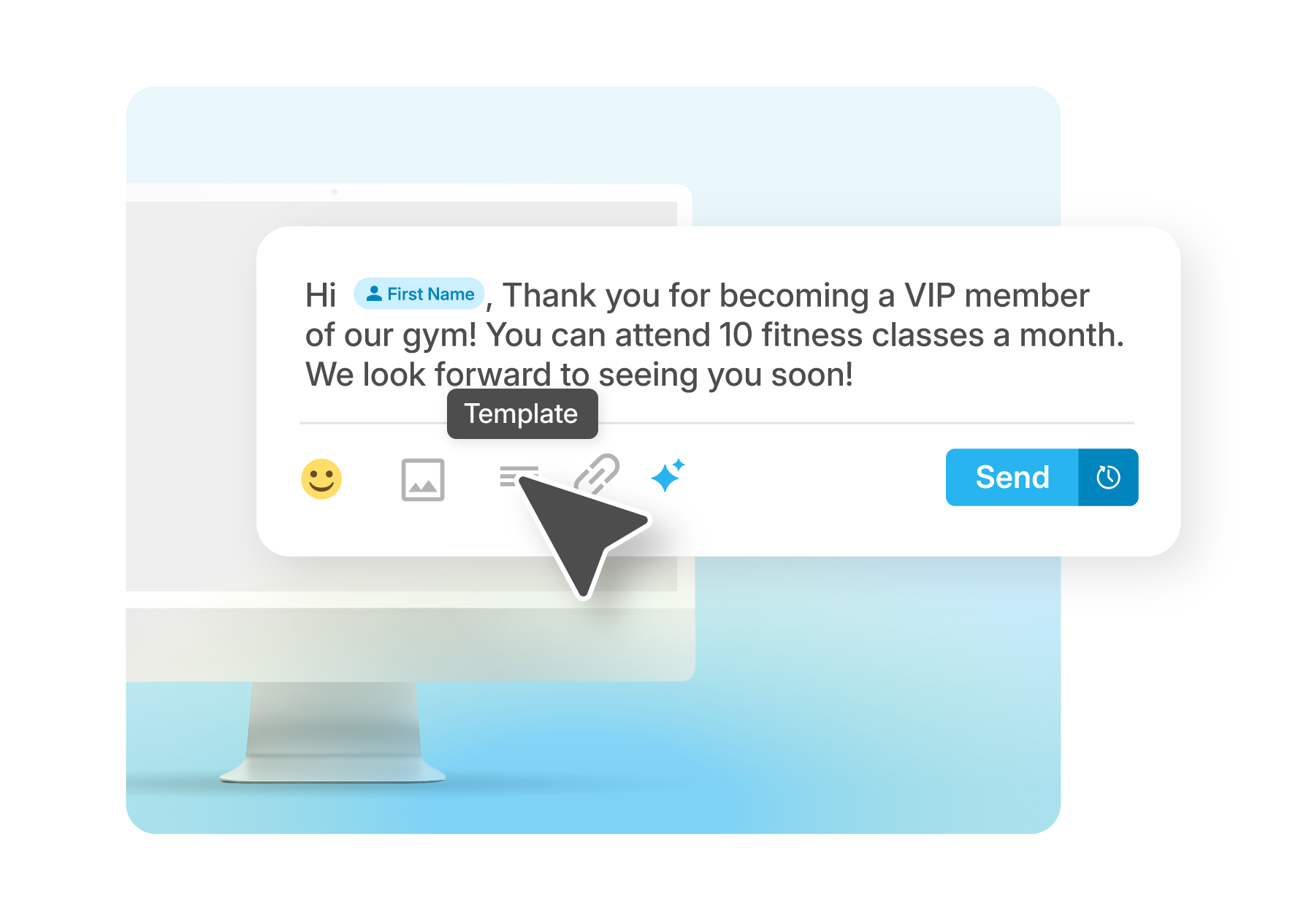
Save time with pre-built templates that include dynamic fields like names or appointment details. Deliver consistent, personalized responses without rewriting the same message every time.

Learn More
Inbox_03

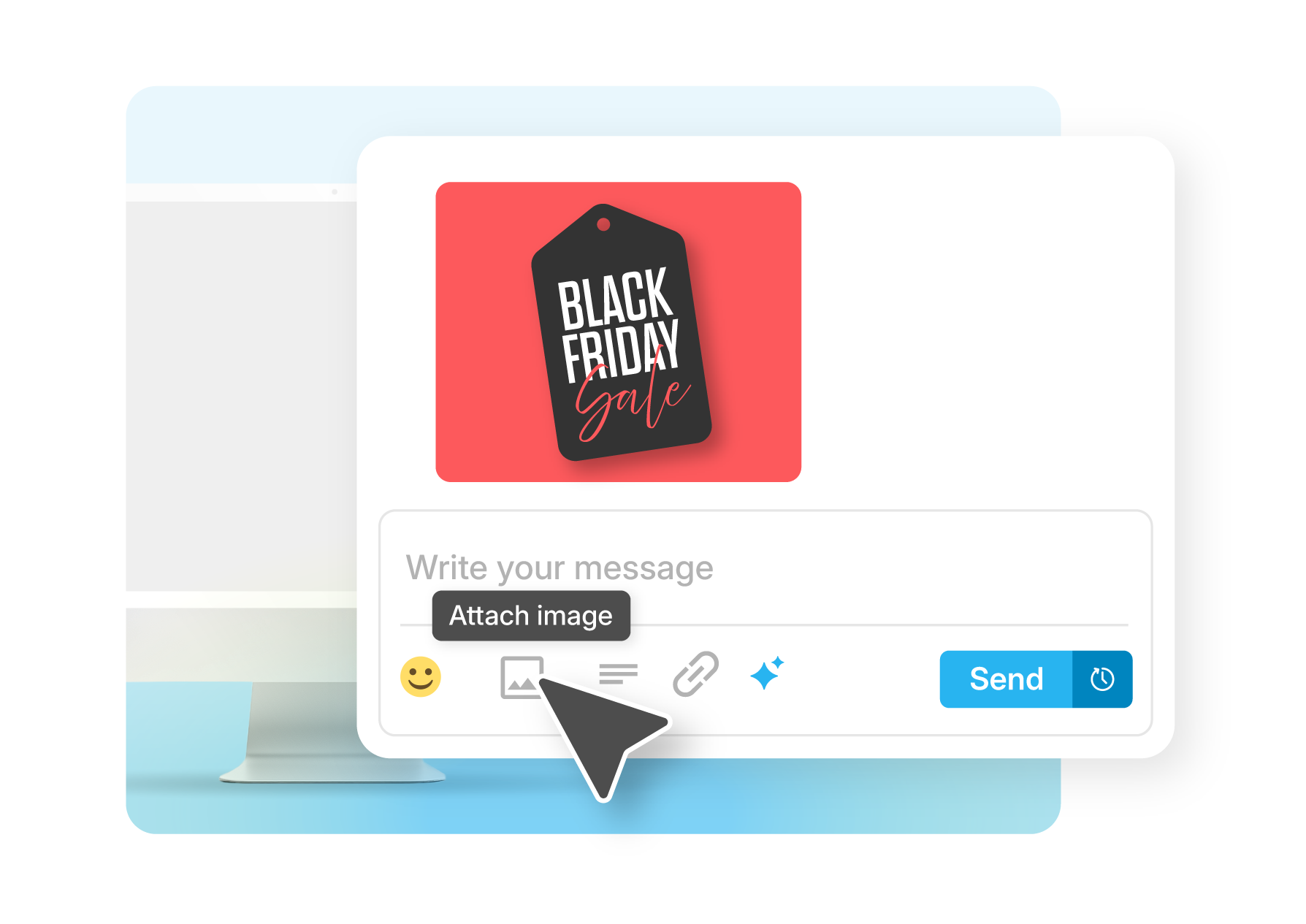
Make your messages more engaging by adding images, promotions, or important documents directly into the conversation. Perfect for campaigns, reminders, and customer updates that need to stand out.

Try it Free
Inbox_06

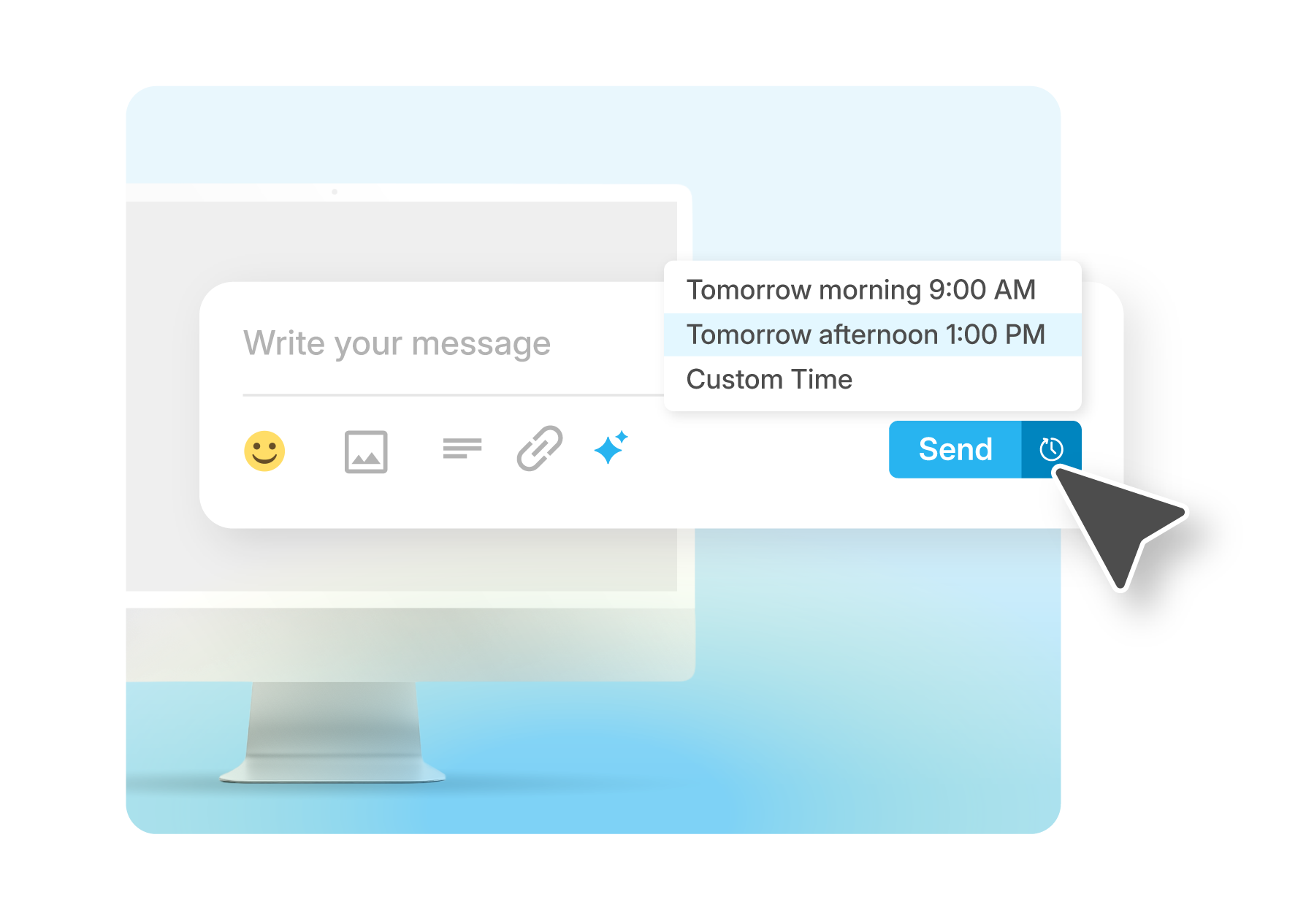
Send messages immediately or schedule them for later delivery with just a few clicks. Stay responsive, reach customers at the right moment, and keep conversations moving, even outside business hours.

Try it Free

Powering Real Conversations

devices_100dp_28B4F0_FILL0_wght400_GRAD0_opsz48

Two-Way Messaging

Conduct real-time conversations with customers and prospects at scale.
Learn more
forward_to_inbox_100dp_28B4F0_FILL0_wght400_GRAD0_opsz48

Email to Text

Send text messages directly from your email client and streamline communication with your contacts.
Learn more
devices_100dp_28B4F0_FILL0_wght400_GRAD0_opsz48

Autoreplies

Respond instantly with automated replies that keep conversations moving.
Learn more

Customer success stories

Proof in practice: Trusted by teams like yours

+50%
Faster Turnaround

“Once it was up and running, it was really dead simple. Before very long, we were just off and running.” - Tom, Senior Manager, Field Systems

Explore Story

Safelite replaced a manual, error-prone messaging process with real-time SMS, cutting coordination time in half and reaching 1,500 technicians with speed and accuracy.

Built for seamless connection

Connect your tech stack with native integrations and flexible API access. Quickly scale communications globally, reduce friction and accelerate every customer’s journey.

Learn More

materials
Hexagon

Engage, automate
and grow.

Start conversations that scale today.

Frequently Asked Questions

A shared inbox for SMS messaging provides a unified team workspace where multiple people can view, manage, and respond to customer text conversations from a single centralized interface rather than individual phones or separate accounts.

Unlike personal SMS apps that isolate conversations to one device or user, shared inboxes give entire teams access to complete message history, ongoing conversations, and customer context. When a customer texts your business number, any authorized team member can see the conversation and respond appropriately regardless of who handled previous messages.

Sakari's shared inbox consolidates SMS, MMS, and WhatsApp conversations in one omnichannel interface. Teams switch between channels without changing tools or losing conversation context. A customer who texts, then later sends a WhatsApp message, shows complete communication history in one unified view.

This centralized approach eliminates common problems with distributed messaging including lost conversations when team members are unavailable, inconsistent responses from different people lacking full context, duplicate work when multiple team members respond to the same inquiry, and customer frustration repeating information to different representatives.

Shared inboxes work particularly well for businesses where customer conversations span multiple interactions, require handoffs between team members, or benefit from collective knowledge rather than individual relationship management.

Shared inboxes improve collaboration by providing complete conversation visibility across the team, enabling faster responses through workload distribution, and preventing communication breakdowns that happen when conversations isolate to individual team members.

Faster response through workload distribution: Any available team member can respond to incoming messages instead of waiting for specific individuals. During busy periods, multiple team members handle conversations simultaneously. When someone is out of office, their conversations remain accessible to colleagues rather than creating response delays.

Complete context for better service: Team members see full conversation history before responding, including previous questions, commitments made, and issues discussed. This prevents customers from repeating information and ensures responses align with what other team members already communicated.

Seamless handoffs: Conversations transfer between team members without friction. Sales can hand qualified leads to account managers, support can escalate technical issues to specialists, and after-hours teams can pass morning conversations to day staff without losing context or requiring customer re-explanation.

Consistency through shared resources: Teams access common message templates, approved language, and shared knowledge bases ensuring consistent customer communication regardless of which team member responds. AI assistance and templates further standardize quality across team responses.

Reduced training time: New team members see how experienced colleagues handle conversations by reviewing message history. They learn appropriate tone, common issues, and effective responses through observation before handling conversations independently.

The combination of visibility, distributed workload, and collaborative features enables teams to maintain faster, more consistent customer communication than individual messaging accounts could achieve.

Yes, all team members accessing the shared inbox can use AI message generation, message templates, and other productivity features to respond faster while maintaining consistent communication quality.

AI writing assistance for everyone: Each team member can use AI to draft replies, improve message tone, or generate responses based on customer context. The AI works directly within conversation threads, so team members create appropriate messages without switching tools or leaving the inbox interface.

Shared template library: Create message templates once and make them available to the entire team. Templates support personalization variables that auto-populate customer names, appointment details, or account information. Team members select relevant templates and customize as needed rather than writing common messages from scratch repeatedly.

Consistent AI training: The AI learns from your communication style and maintains consistency across team member responses. Whether drafting appointment confirmations, handling common questions, or creating follow-up messages, the AI generates content matching your established brand voice.

Rich media capabilities: All team members can send MMS messages with images and attachments directly from conversations. Product photos, location maps, instructional images, or document attachments enhance communication without requiring separate tools or manual file handling.

Scheduling flexibility: Team members schedule messages for optimal delivery times even when they won't be online. Compose responses during work hours for delivery during customer active periods, or queue follow-up messages for future dates based on customer timelines.

Permission controls: Administrators can configure which team members access specific features, ensuring appropriate tool usage while preventing accidental changes to important configurations or customer data.

These shared capabilities mean every team member benefits from the same efficiency tools regardless of experience level, creating consistent customer experiences while reducing individual workload through intelligent automation and reusable content.

Yes, Sakari's shared inbox provides unified access to SMS, MMS, and WhatsApp conversations in one omnichannel interface, eliminating the need for separate tools or switching between platforms to manage customer communications across channels.

Channel-appropriate responses: Team members see which channel the customer is using and respond through the same channel automatically. Send SMS replies to SMS messages, WhatsApp responses to WhatsApp inquiries, without manually selecting channels or switching interfaces.

Rich media across channels: MMS capabilities let you send images, videos, and attachments through supported channels. Product photos, appointment confirmations with maps, or documentation share seamlessly within customer conversations when their channel supports media.

Consistent features across channels: AI assistance, message templates, scheduling, and other productivity features work across all channels. Create templates that work for SMS and WhatsApp, use AI to draft responses regardless of messaging platform, and schedule messages across any channel.

Channel availability indicators: The inbox shows which messaging channels each contact has available. Some customers might only have SMS, while others use WhatsApp or multiple channels. Teams see available options and choose the most appropriate channel for each communication.

Future channel expansion: As Sakari adds additional messaging channels, they integrate into the same unified inbox rather than requiring separate tools or management interfaces. Your team maintains one workflow regardless of how many communication channels your business supports.

This omnichannel approach prevents the fragmentation that happens when managing separate SMS tools, WhatsApp business accounts, and other messaging platforms independently. Teams maintain complete customer context across channels, respond through customer-preferred platforms, and avoid the inefficiency of switching between multiple messaging tools throughout the day.

Shared inboxes include conversation management features that prevent multiple team members from responding to the same message while ensuring no customer inquiries go unanswered even during busy periods.

Conversation assignment: Manually assign conversations to specific team members who should handle them. Assigned conversations route to designated people while showing other team members the conversation has an owner. Assignments transfer between team members during handoffs or escalations.

Team visibility prevents gaps: Unlike individual phone-based messaging where absent team members create response gaps, shared inboxes ensure conversations remain visible to available colleagues. When someone is out sick, on vacation, or in meetings, their conversations don't disappear or wait unaddressed.

Notification management: Configure notification settings so incoming messages alert available team members without overwhelming everyone. Route urgent inquiries to on-call staff while distributing general questions across the team.

Audit trail: Complete conversation history shows which team member sent each message and when. Track response patterns, identify conversations needing attention, and review how team members handle different scenarios.

These coordination features transform the shared inbox from just a group access tool into a managed team workflow that ensures consistent, timely customer responses without duplication or gaps in coverage.

You can also connect multiple calendars to a single account, so personal commitments, work meetings, and other busy time all factor into your real-time availability. If you keep a separate calendar for personal appointments, Sakari can read it to block those slots without exposing the details. The result is a booking page that reflects your actual schedule at all times, so prospects never land on a slot you can't honor.